Help
The Help tab is a built-in Python reference that works entirely offline. Whether you want to know what list.sort accepts, what module pathlib exports, or how re.split handles an empty pattern, you can look it up without leaving the app or losing your place in your notebook.
You can reach a topic three ways. Open the Help tab and tap a Quick Link. Type a topic into the search bar. Or, from anywhere in the app, just call help(foo) in the Console or a notebook cell. See Calling help() from code below.
Quick Links
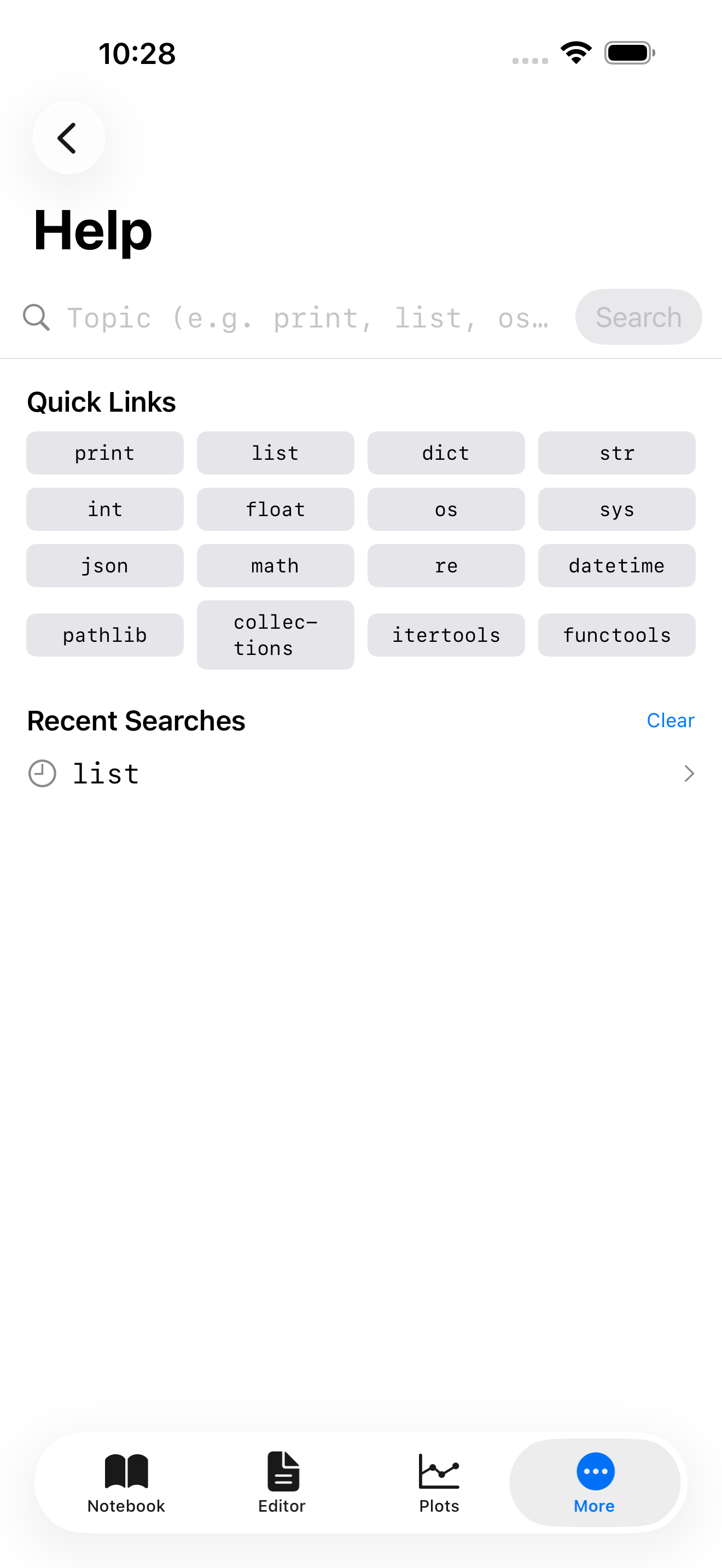
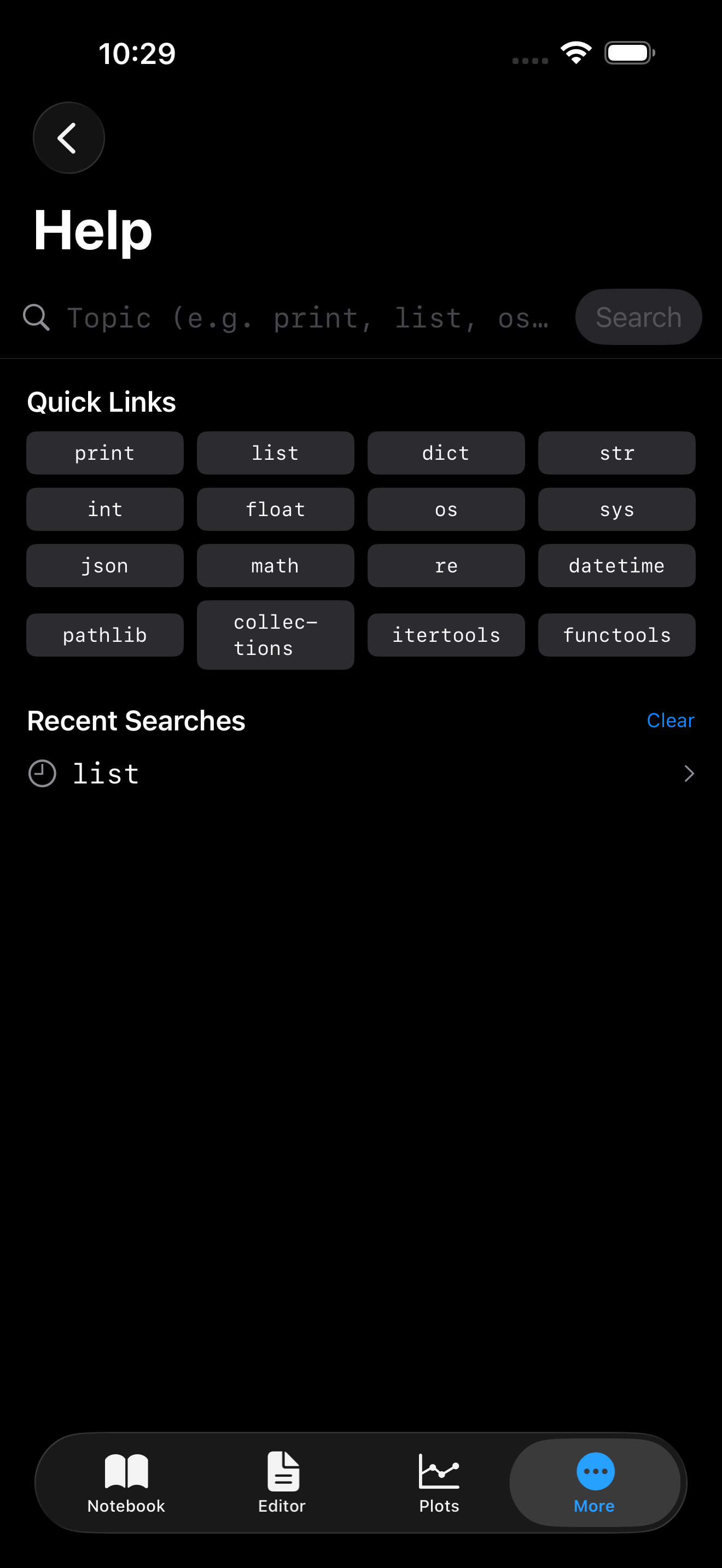
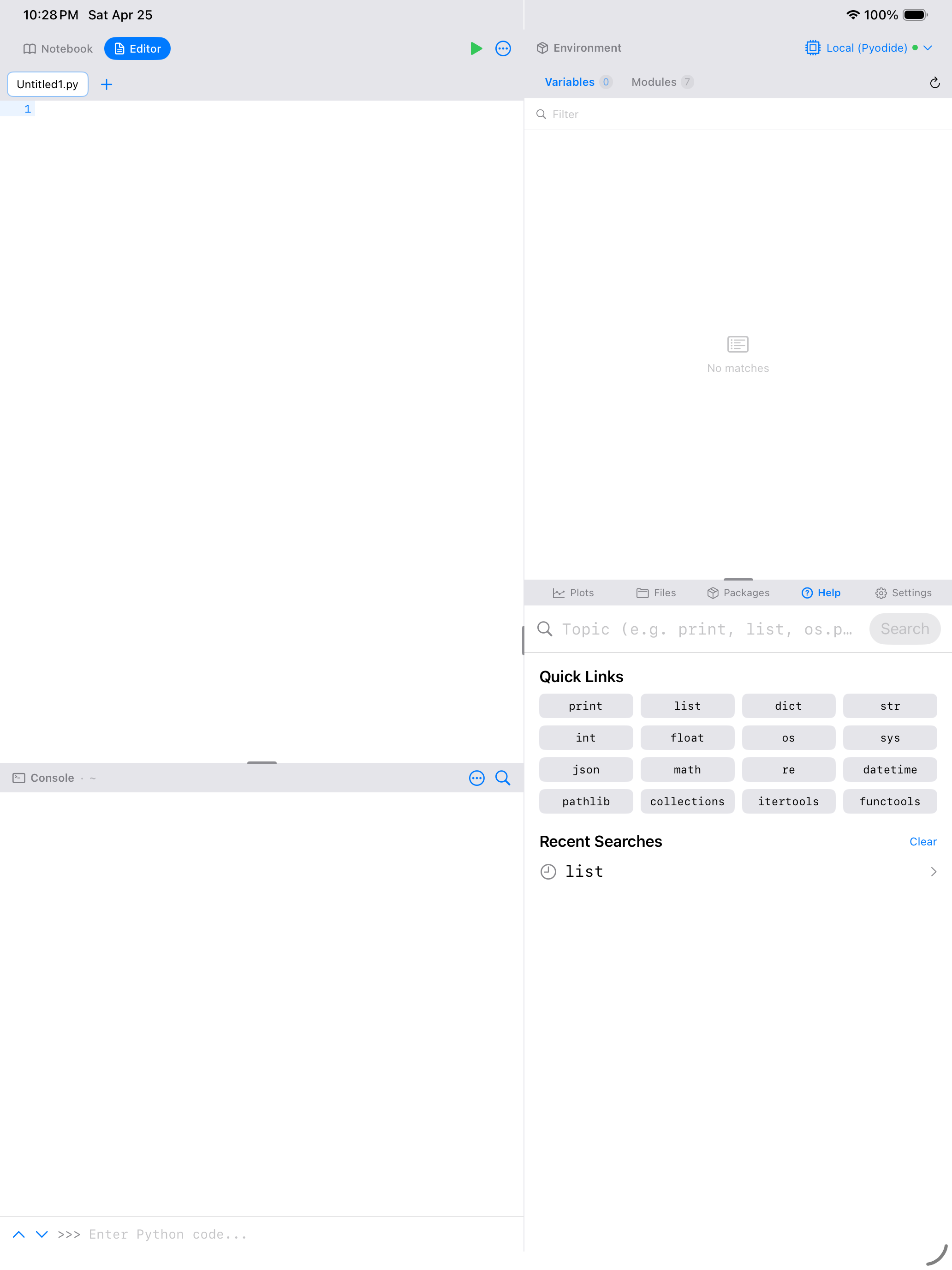
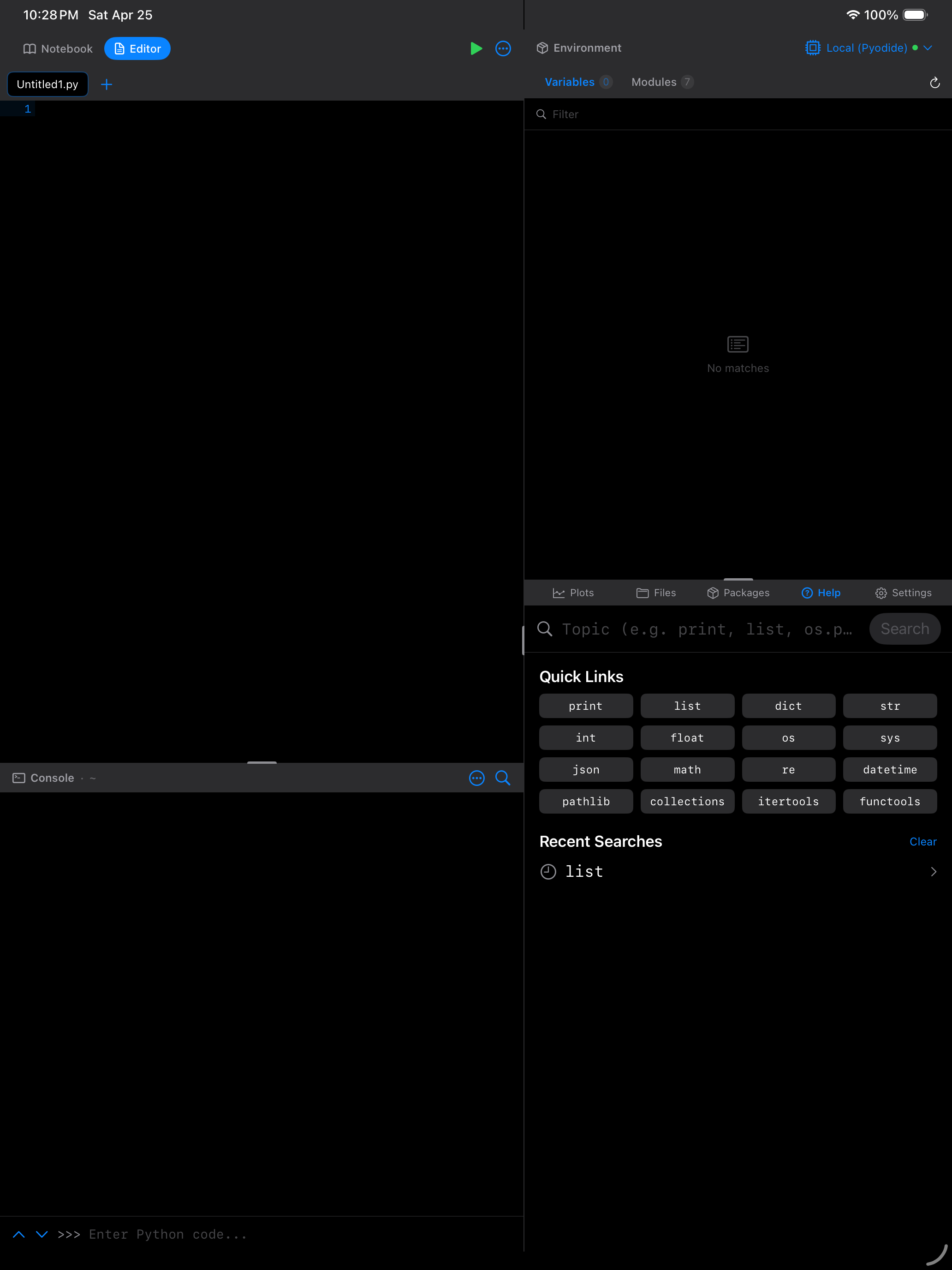
When you first open Help, you see a grid of Quick Links: the most common Python built-ins and standard-library modules. Tap any chip to jump straight to its documentation, with no typing required. It is a good place to start when you are exploring a topic and do not know the exact name of what you are looking for.


Searching for a topic
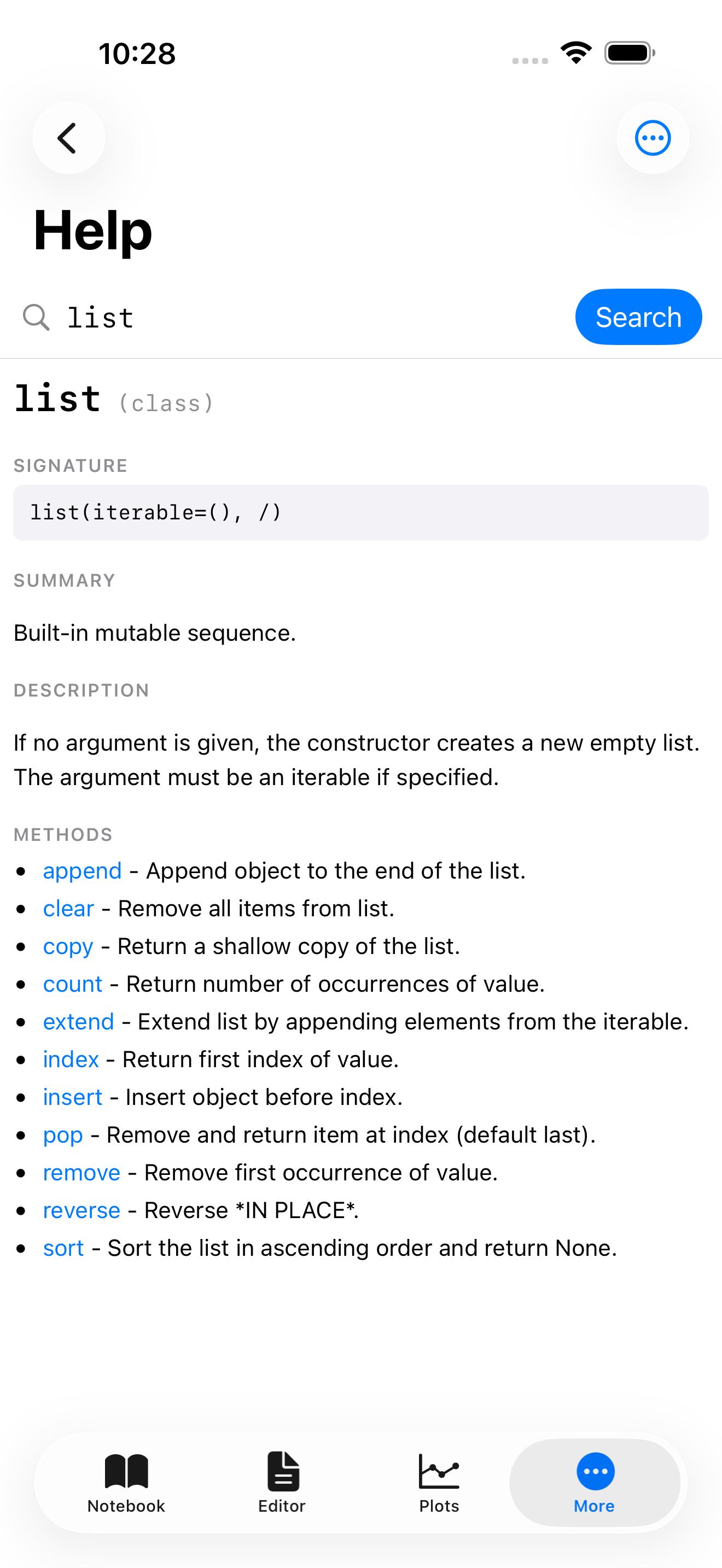
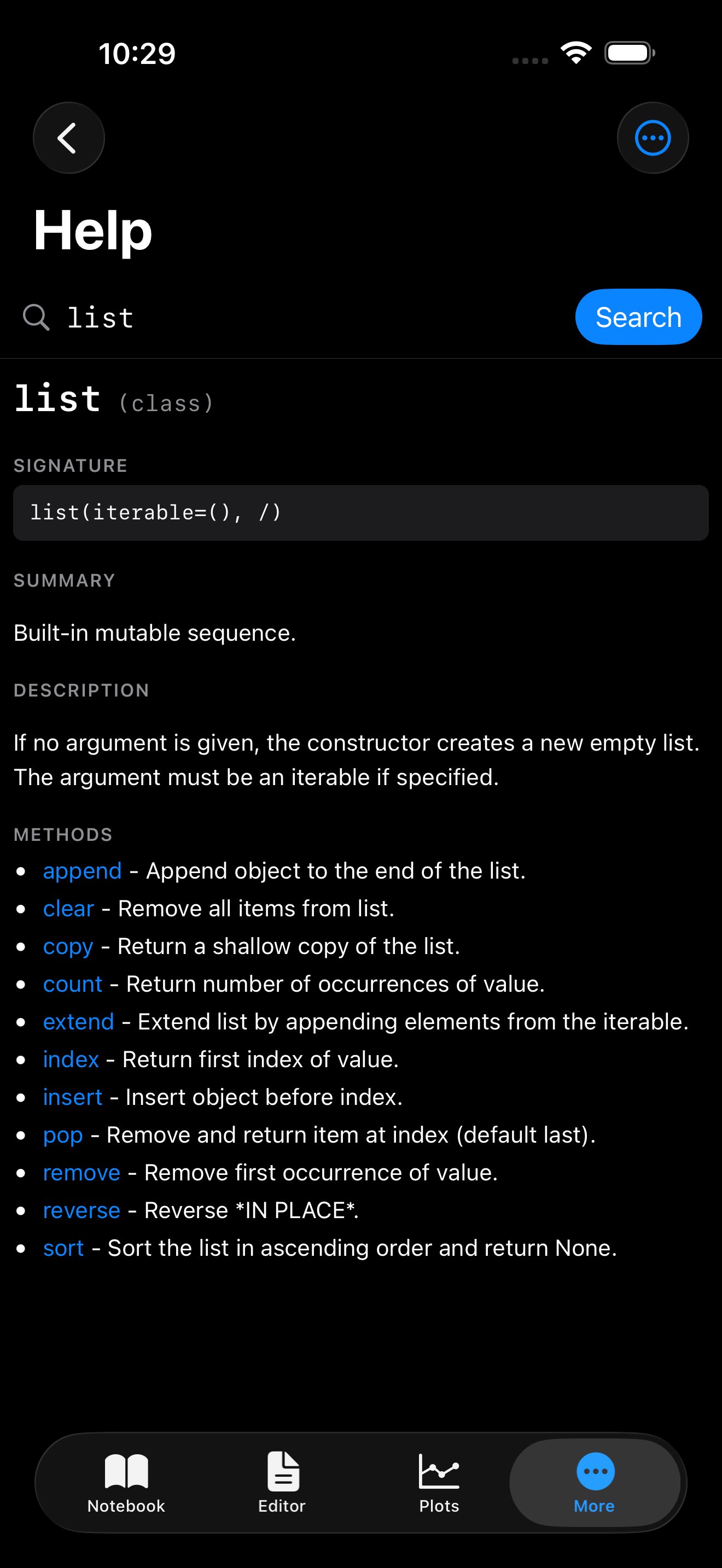
The search bar at the top accepts anything you can pass to help() or pydoc.locate(): a built-in name like print, a module like os.path, a class like dict, or a dotted path like collections.OrderedDict.move_to_end. Type a topic and tap Search (or hit return on a hardware keyboard) and the full documentation renders in place.
Two things that make the result easier to read than raw help():
- Rich rendering: Help uses
pydoc.HTMLDocwhen it can, so signatures, class hierarchies, and member lists come back styled and scrollable instead of as one long monospaced block. - Inline fallback: When
pydoc.locate()cannot find a match (say you type@dataclass), the app falls back to plainhelp()output so you still get something useful.
Calling help() from code
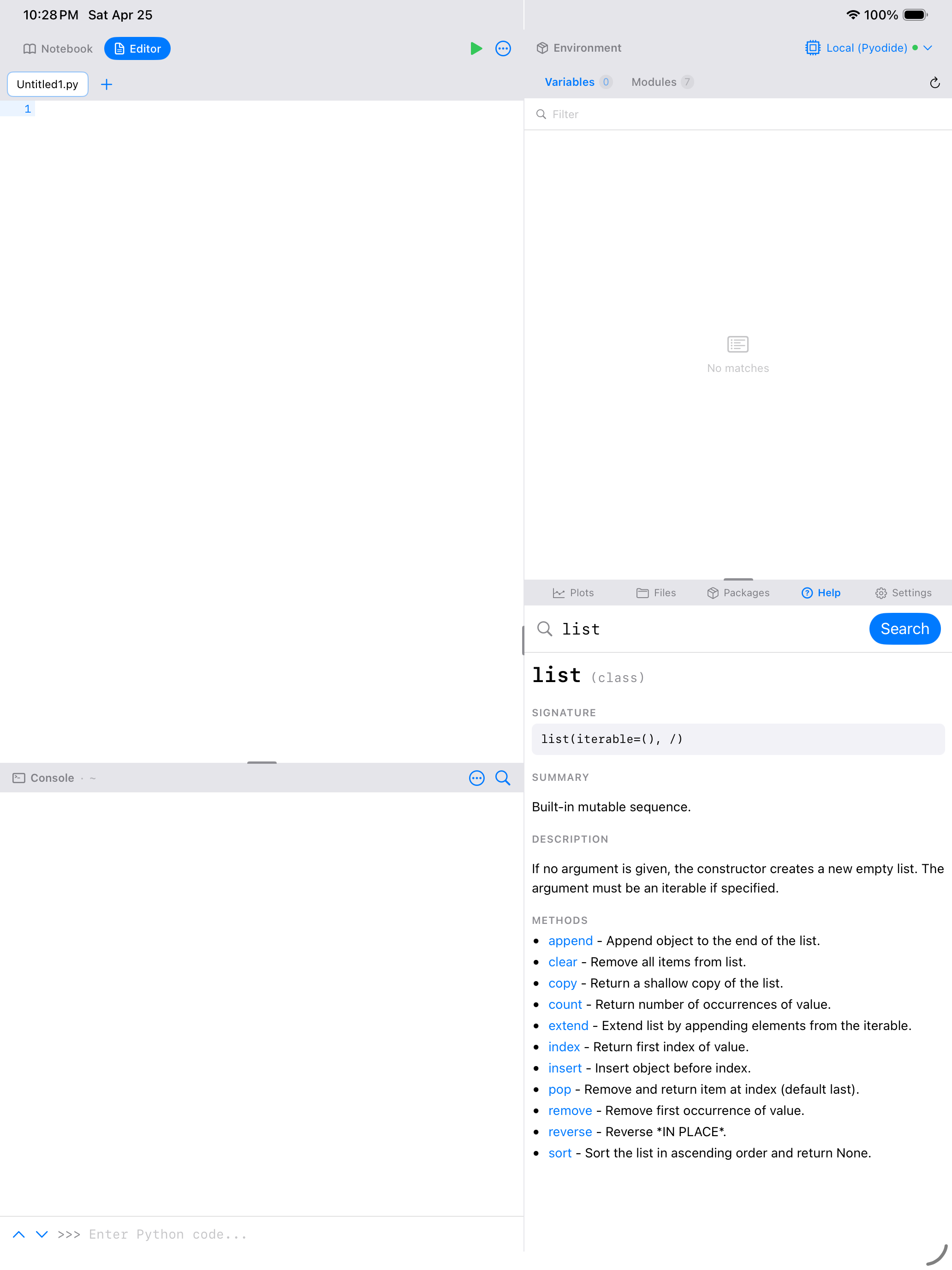
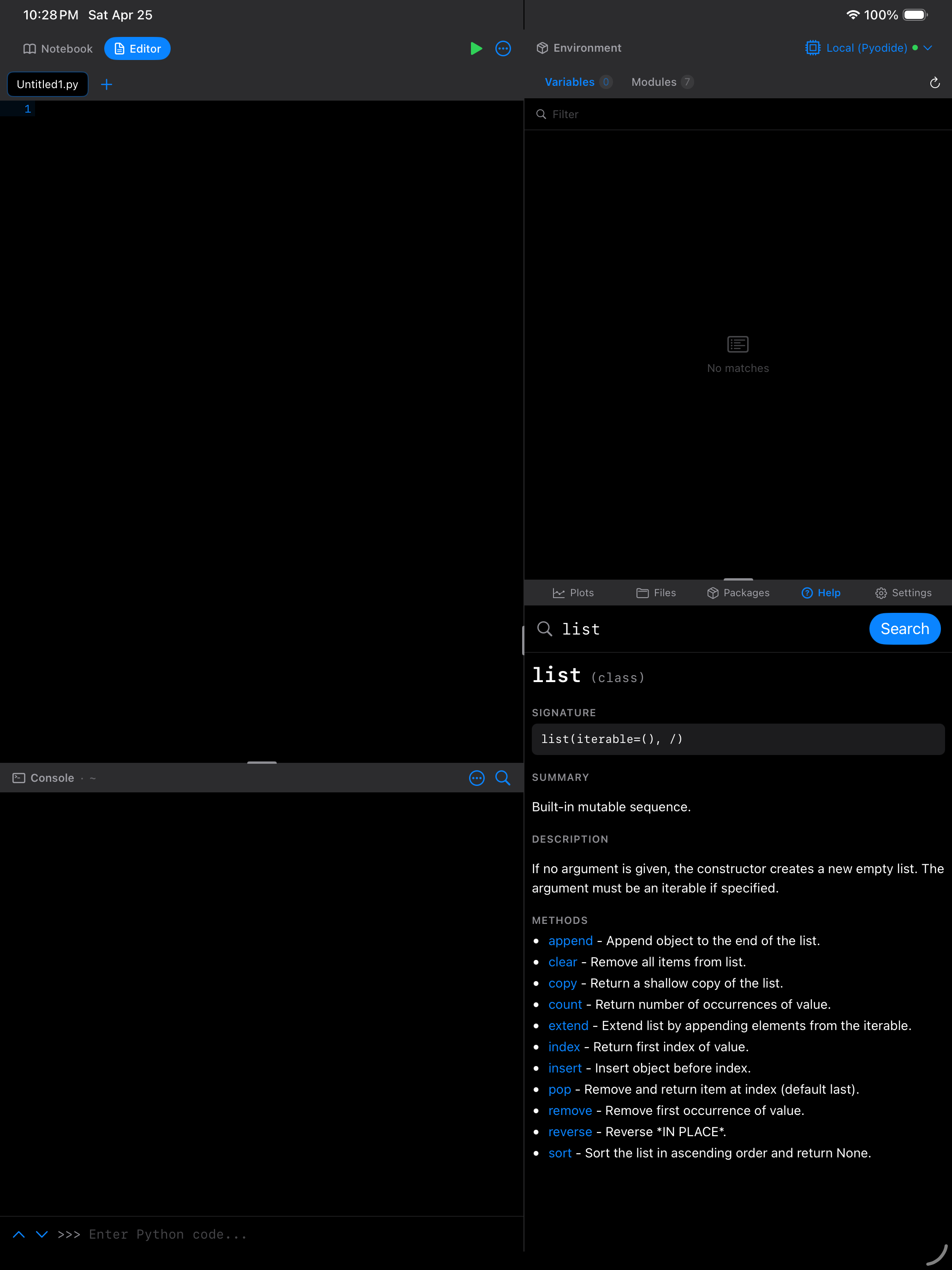
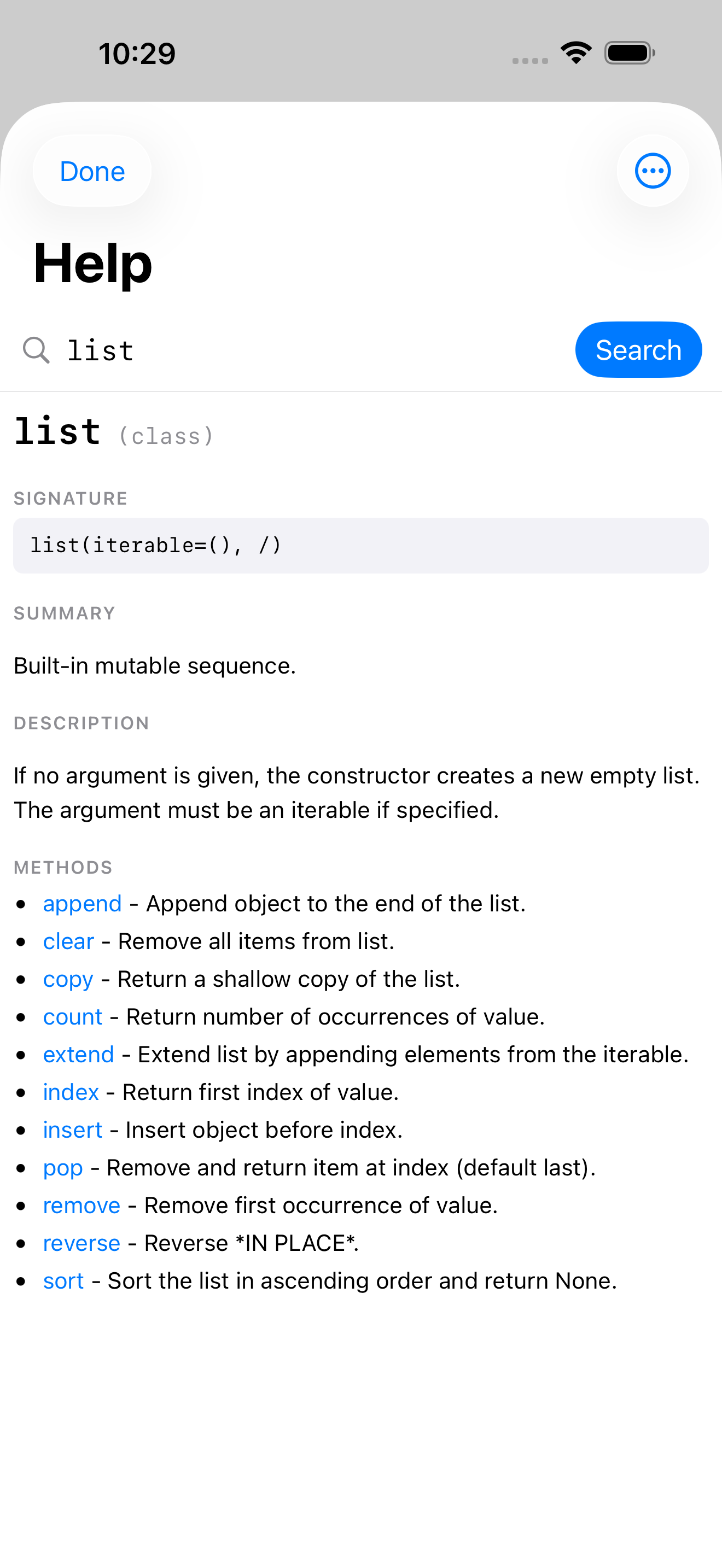
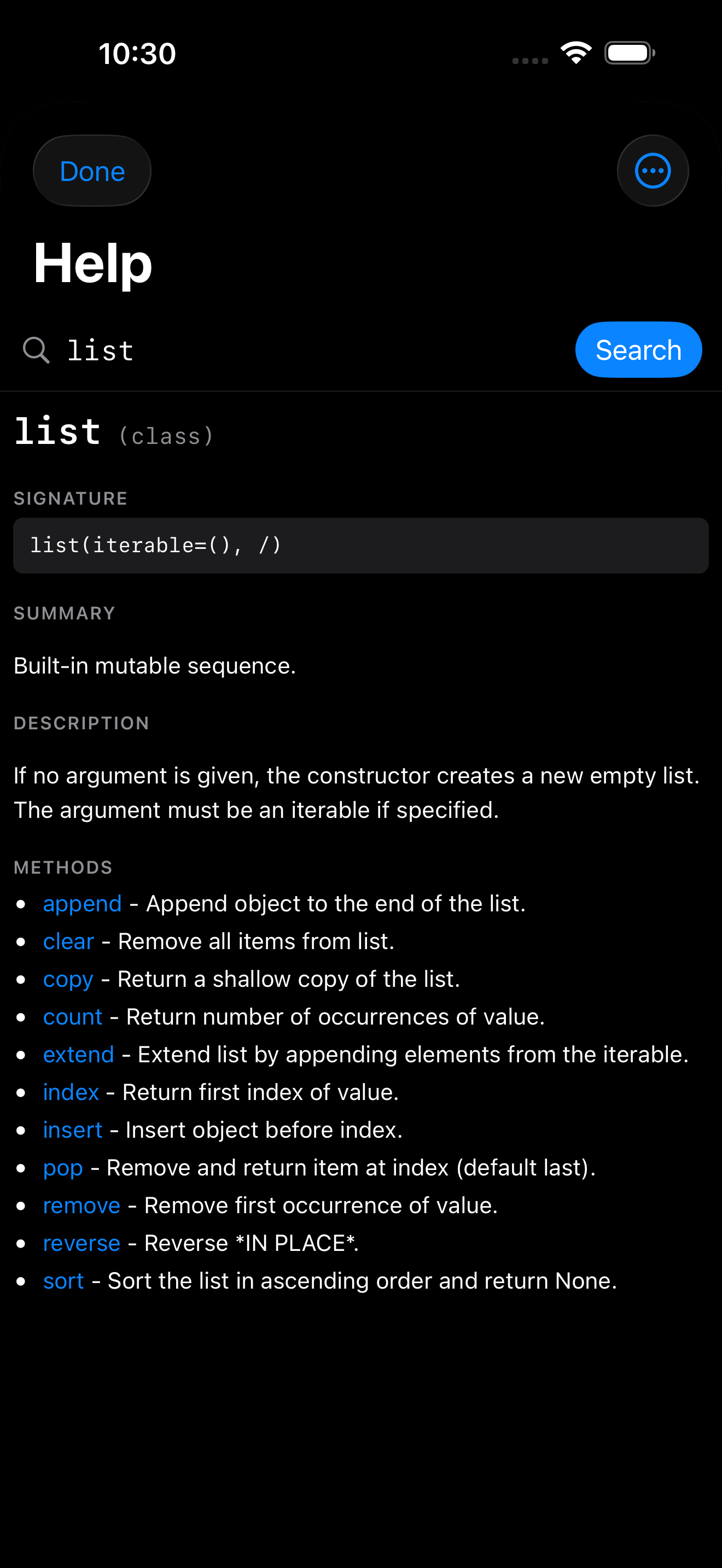
The familiar Python help() builtin is wired directly into the Help view. Run it in the Console, a notebook cell, or anywhere Python code executes, and the Help view opens with the topic already loaded. Nothing is dumped into your output stream.
help(list)                           # opens Help on "list"
help('list')                         # strings and objects both work
help(pandas.DataFrame.groupby)       # dotted paths resolve fully
help(my_variable)                    # resolves to the variable's type
help()                               # opens Help on the Quick Links grid
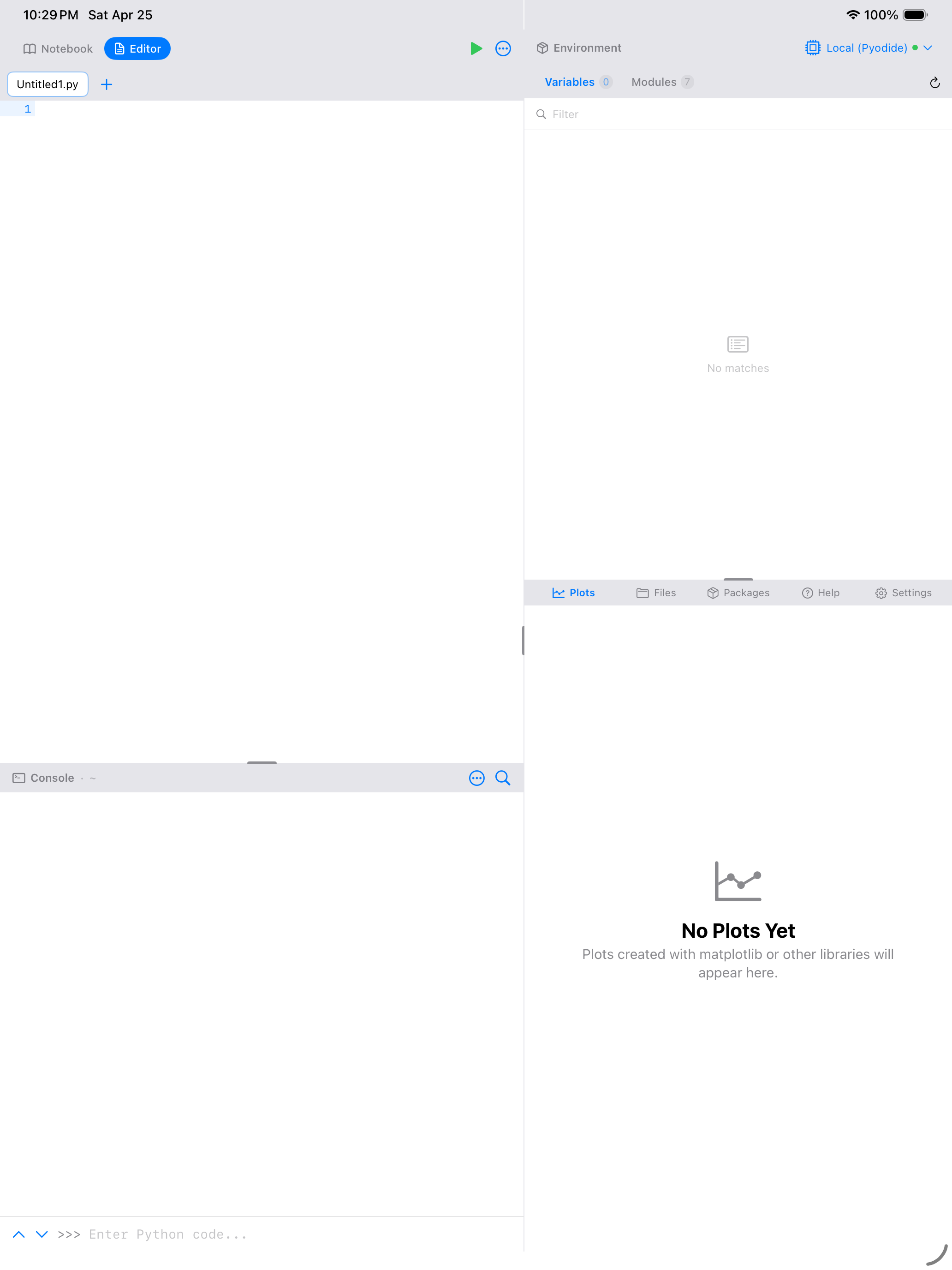
On iPhone (and iPad in tab-bar layout), the Help view slides up as a sheet so you can skim the docs and dismiss back to whatever you were doing. On iPad workspace mode, the right-bottom pane switches to Help and loads the topic in place, with no modal and no context switch. The notebook and Environment panels stay exactly where you left them.
From a notebook cell
From the Console
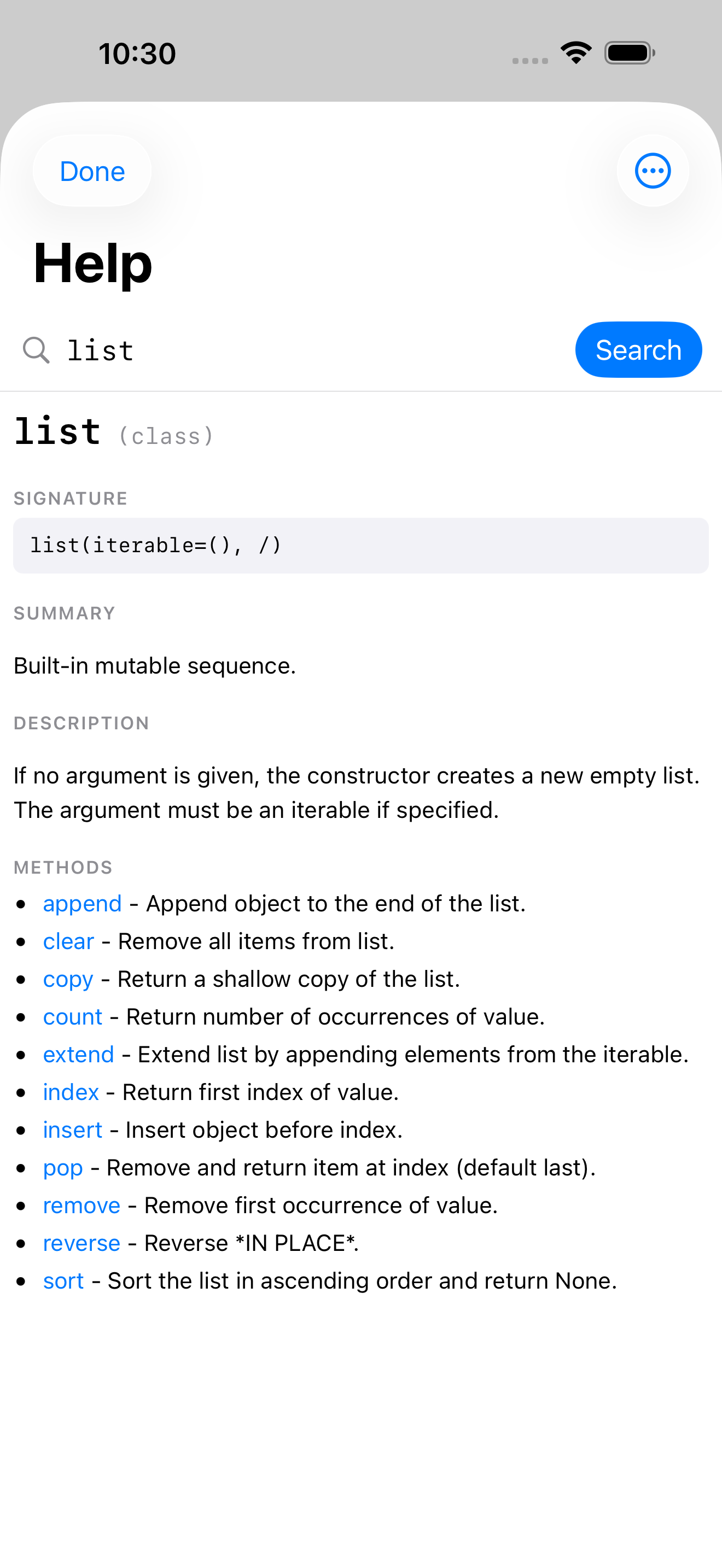
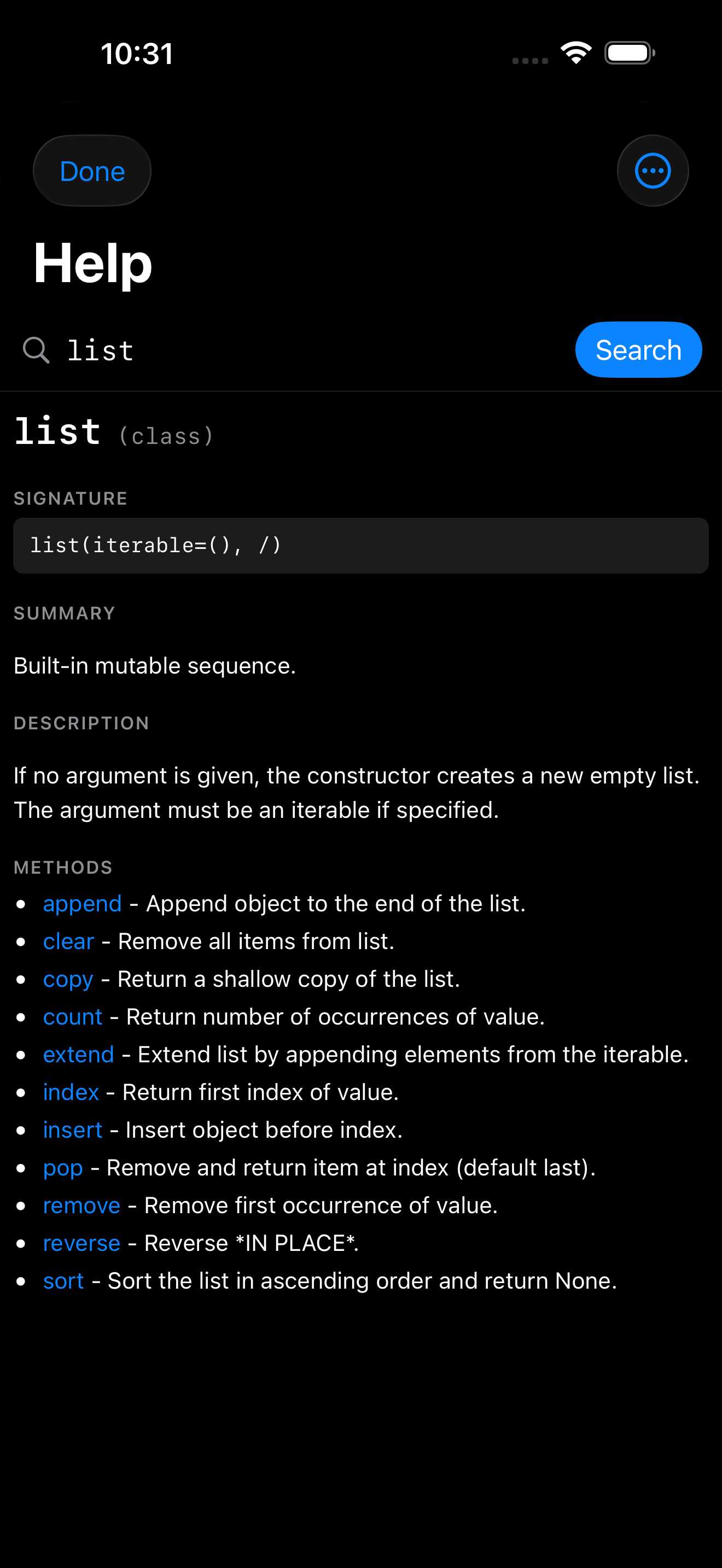
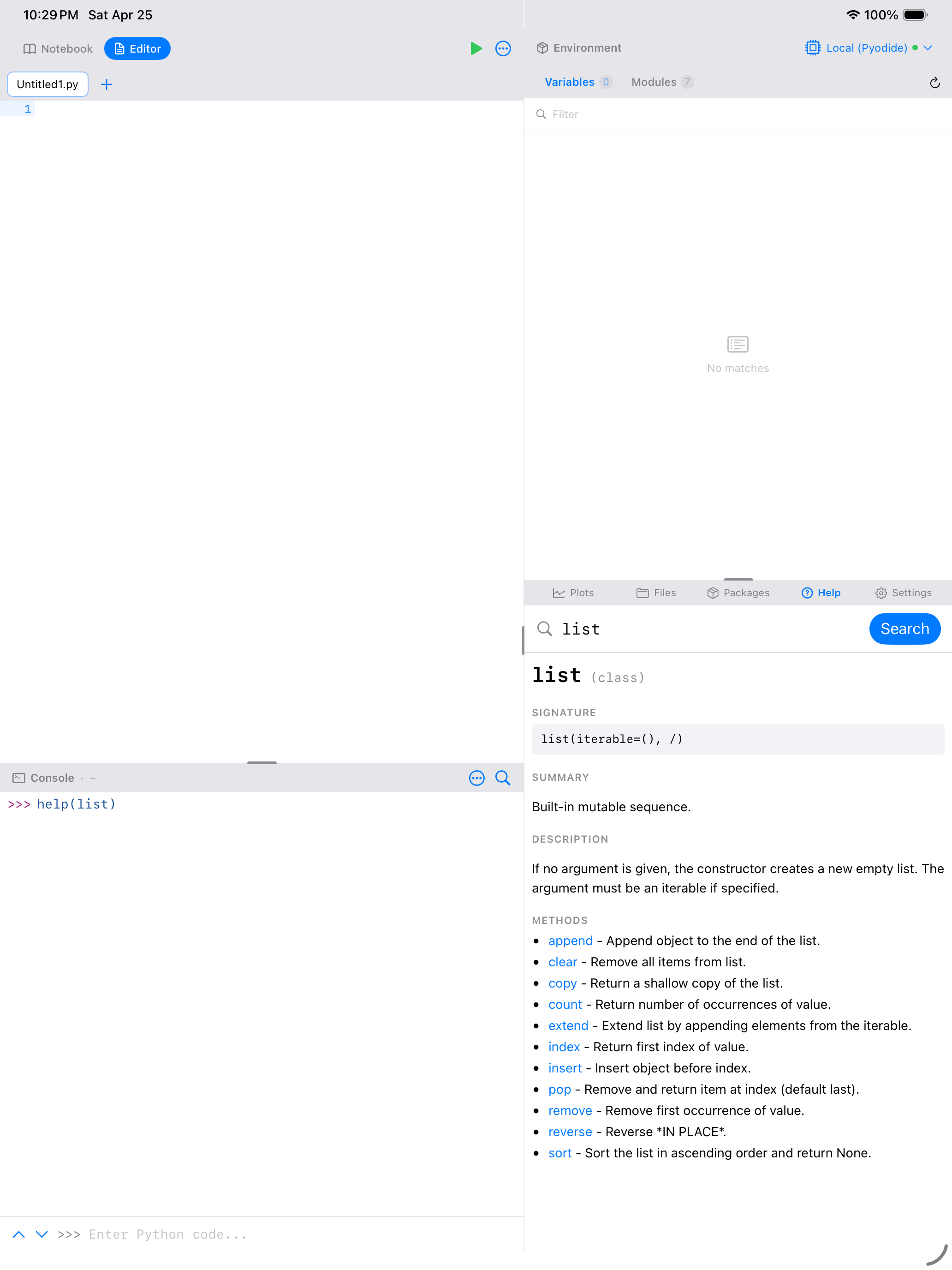
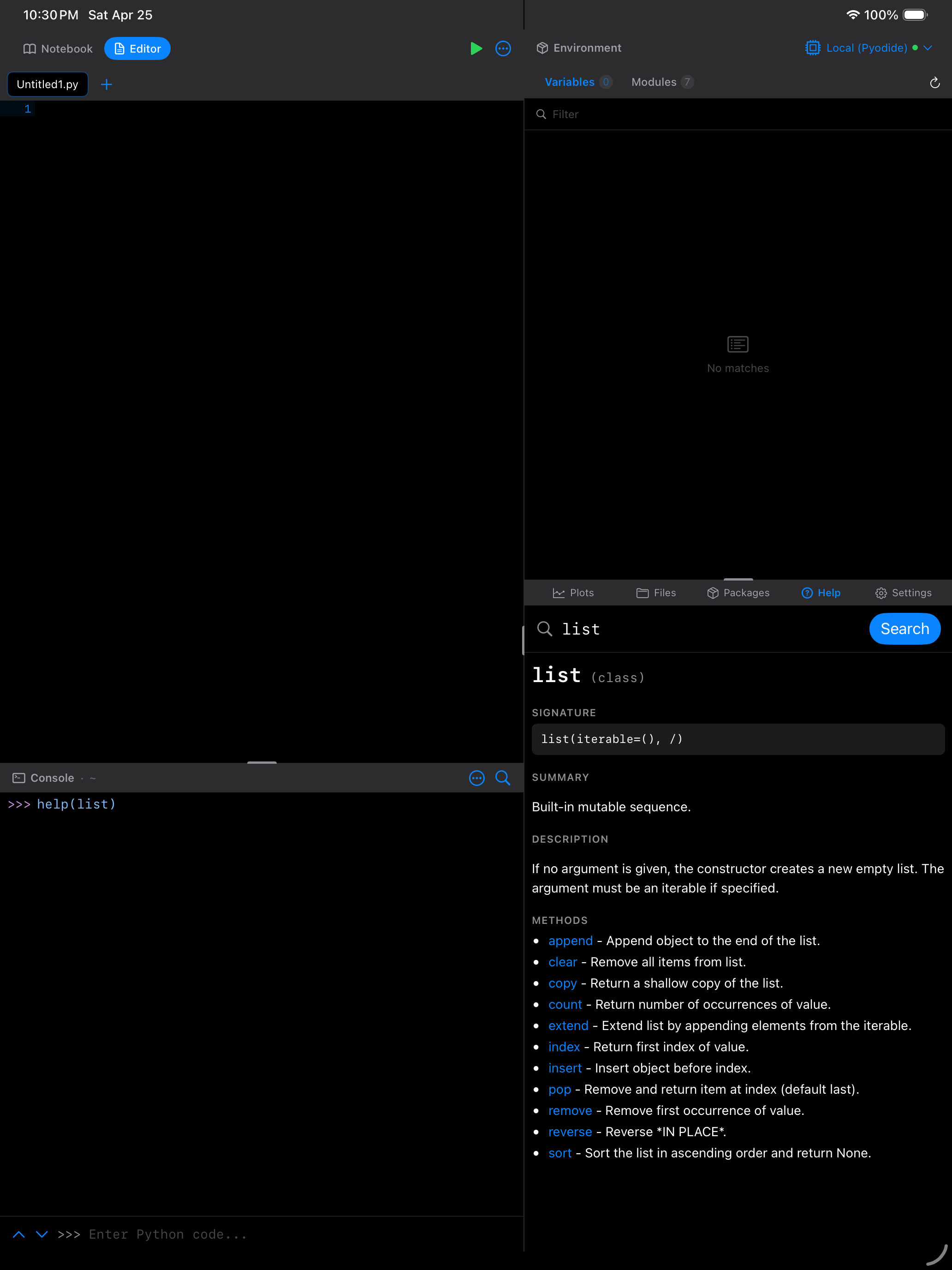
A few small details worth knowing:
- Last call wins. If a single cell contains
help(list)followed byhelp(dict), the Help view opens ondict. The earlier call is superseded; you never see two sheets fight. - Errors still run. If a cell raises an exception after a
help(...)call, the Help topic still opens. The intercept is captured before the error interrupts cell execution. - No more pydoc wall of text. The built-in
help()used to print a long monospaced block into stdout. That behaviour is gone;help()is now strictly a Help-view trigger. If you want the raw pydoc output for some reason, callpydoc.render_doc(obj)explicitly.
Recent Searches
Every search you run is remembered and shows up under Recent Searches on the empty state, in chronological order (most recent first). Tap a recent entry to jump back to that topic. This is useful when you are moving between a handful of related APIs while writing a function.
Recent searches are stored locally; they do not sync, and you can clear them from the list at any time.
If you are exploring an unfamiliar module, run dir(modulename) in the Console to see what names it exports, then call help(modulename.name) on anything that catches your eye. The Help view pops up with that topic already loaded.