Support
Get help or support development of Pyodios.
Get Help
Contact Support
Bug reports, questions, and feedback
Report an Issue
File a bug, feature request, or question on GitHub
Reporting from the App
You can also report problems without leaving Pyodios. The app pre-fills your app version and build, iOS version, device model, and the Pyodide and Python versions, so a GitHub issue arrives with the environment details already written.
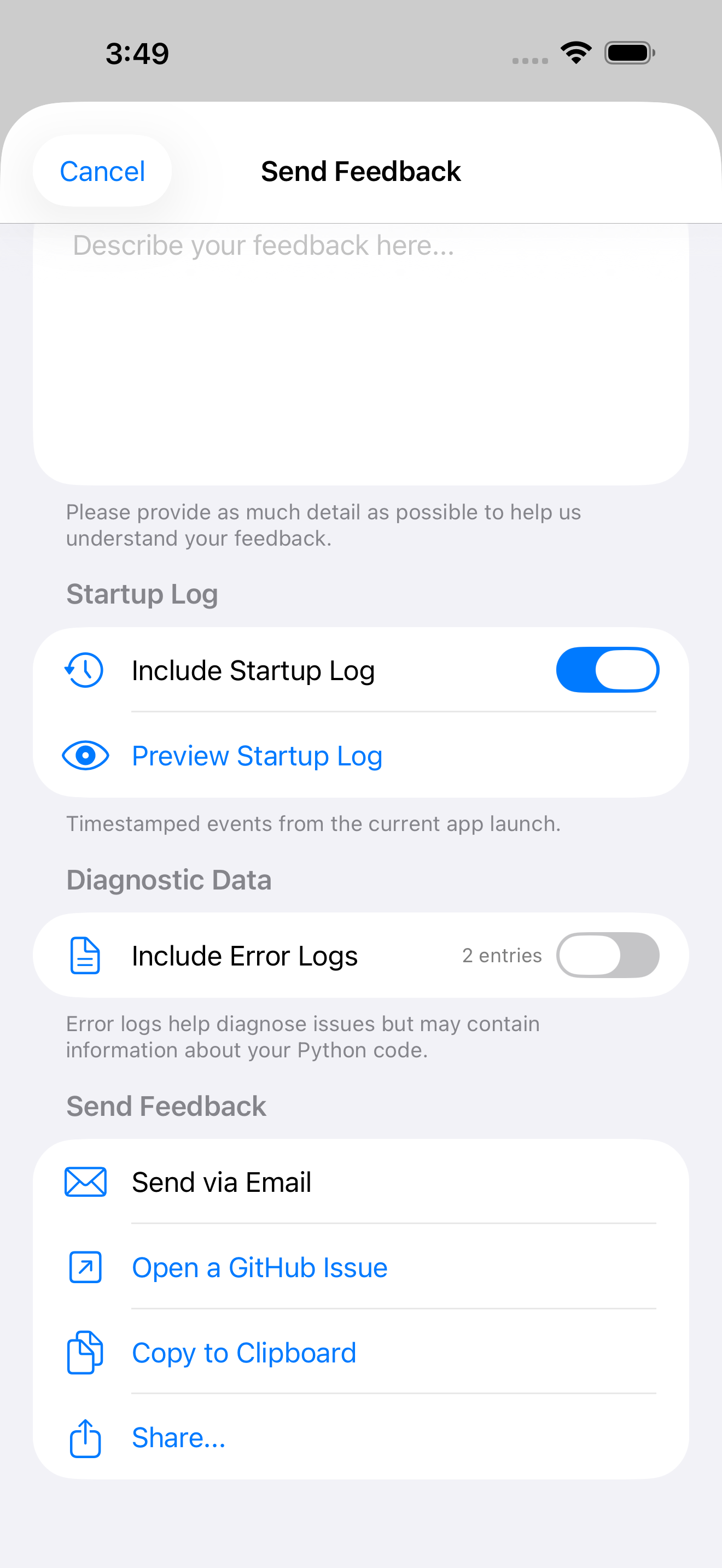
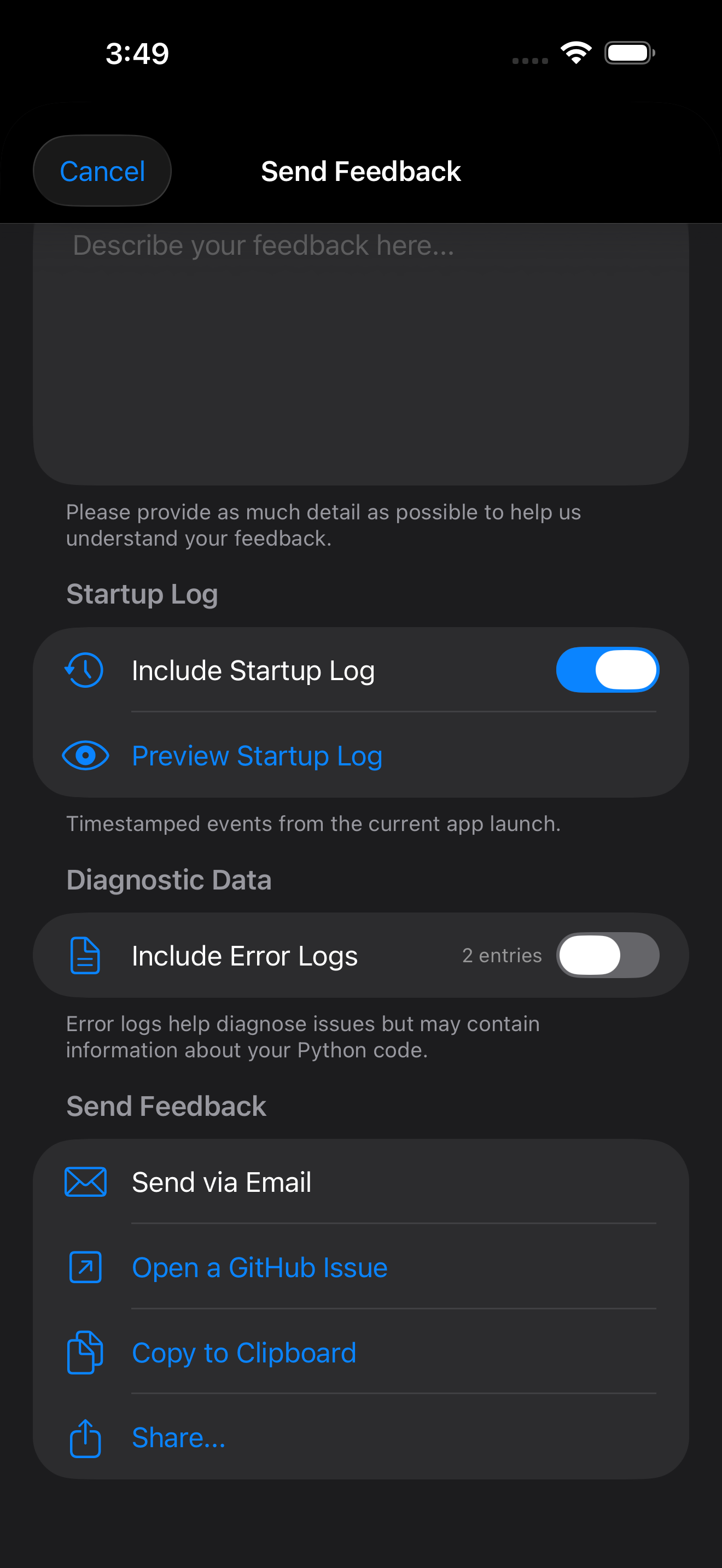
Send Feedback. Open More, then Send Feedback, or Settings, then Support, then Send Feedback, to file a bug, feature request, or question. Two switches control what travels with it:
- Include Startup Log (on by default) attaches the timestamped events from the current launch. Tap Preview Startup Log to read exactly what that is before you send it.
- Include Error Logs (off by default) attaches recent in-app errors. These can quote your Python code, which is why the form says so and leaves the switch off.
Then choose how to send it: Send via Email, Open a GitHub Issue, Copy to Clipboard, or Share.
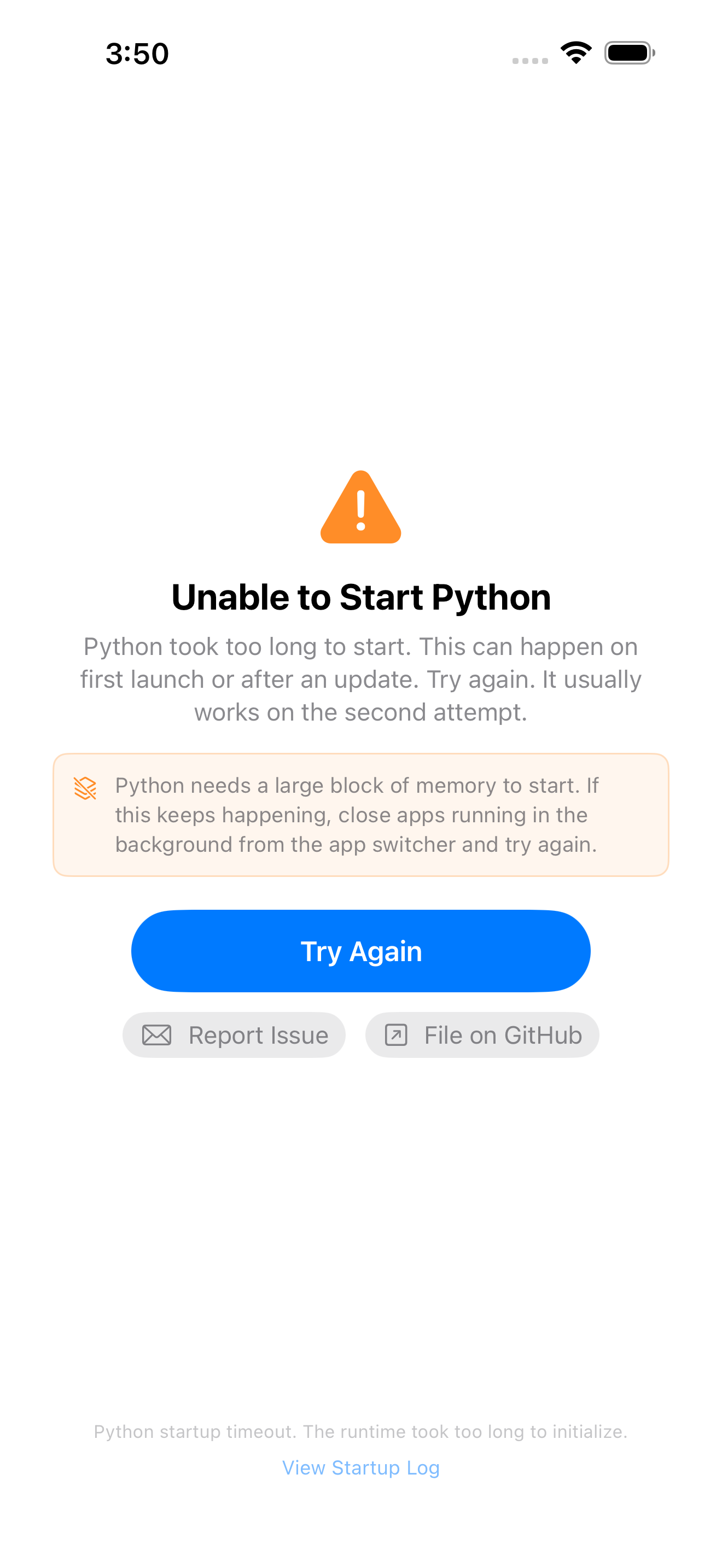
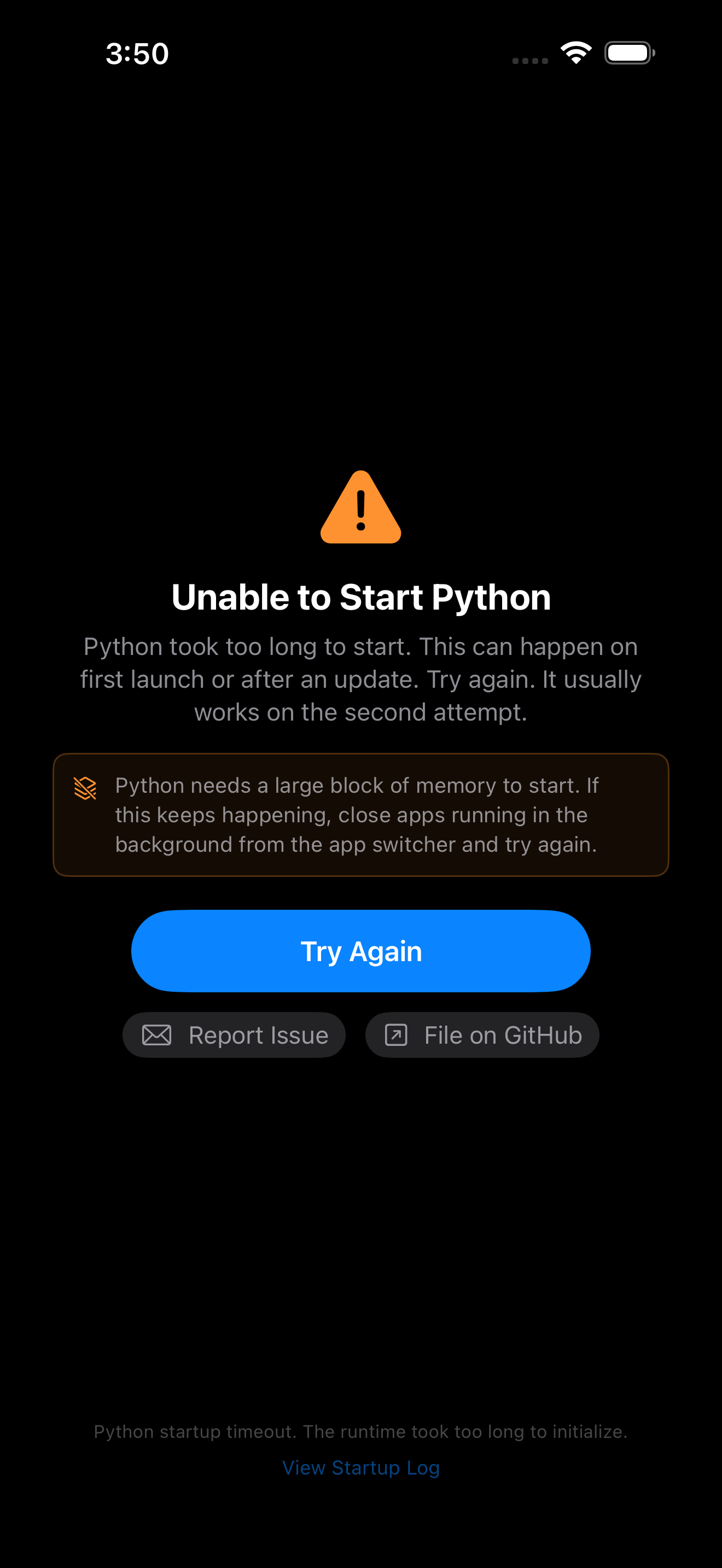
If Python fails to start. The Unable to Start Python screen offers Try Again first. Next to it, Report Issue opens the same feedback form, and File on GitHub skips the form and opens an issue already filled in with the error message, your device, iOS, app and runtime versions, and the tail of the startup log, so a report needs nothing typed out by hand. View Startup Log at the bottom of the screen shows the whole log.
Nothing is sent automatically. The GitHub options do not upload anything: they hand the pre-filled issue to your browser on the public Pyodios issue tracker, where you can read it over, edit or delete any part of it, and decide whether to submit (GitHub will ask you to sign in before it files anything). Email behaves the same way: the message opens in Mail with the report in the body, yours to send or discard. Your Python code is never included unless you paste it in yourself or turn on Include Error Logs, which the form warns about. See the Privacy Policy for what the app does and does not collect.
Filing on GitHub needs an internet connection; email, copy, and share work offline. A very long report is trimmed to fit the GitHub link, with a note pointing you at Copy to Clipboard or Share, which have no length limit.
Support Development
GitHub Sponsors
Monthly or one-time sponsorship
Patreon
Become a patron
Buy Me a Coffee
One-time support
Thanks.dev
Support open source maintainers